
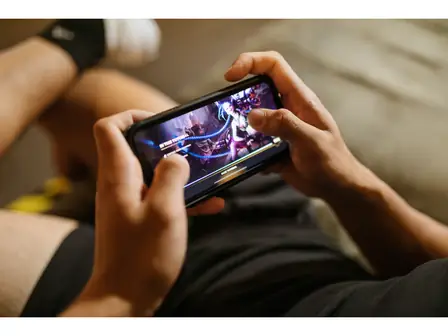
The default layout
The game uses a virtual stick on the left and four action buttons on the right: light attack, heavy attack, dodge, and special. Movement is eight-way, and every button is thumb-sized on a standard phone screen.
Practice these controls in the current build from the Pokemon Arena 2D APK download page. The Pokemon Arena 2D app homepage has the complete control feature list.
Movement fundamentals
The stick handles walk, dash (double-tap a direction), and jump. Dashing has a few invincible frames at the start, which makes it your main defensive tool as well as your approach. Practice dashing through the training dummy's attacks before you worry about combos.
The four buttons
Light attack chains into itself three times. Heavy attack launches. Dodge gives you a short invincible hop. Special spends your meter on the fighter's signature move. The real game is canceling: light into heavy into special is the basic combo every fighter shares, and the combos guide builds from there.
Tweaking the layout
Open the options menu to drag buttons to new positions and resize them. Players with small phones should enlarge the dodge button first; it is the one you will mash under pressure. If you have not installed the game yet, the Pokemon Arena 2D APK download page has the verified file, and the homepage covers the full feature list.